Robot Actuator 3D: see inside a robot’s joint
Every joint of a modern robot hides the same compact stack of parts. Pull one apart in your browser and see how it works.
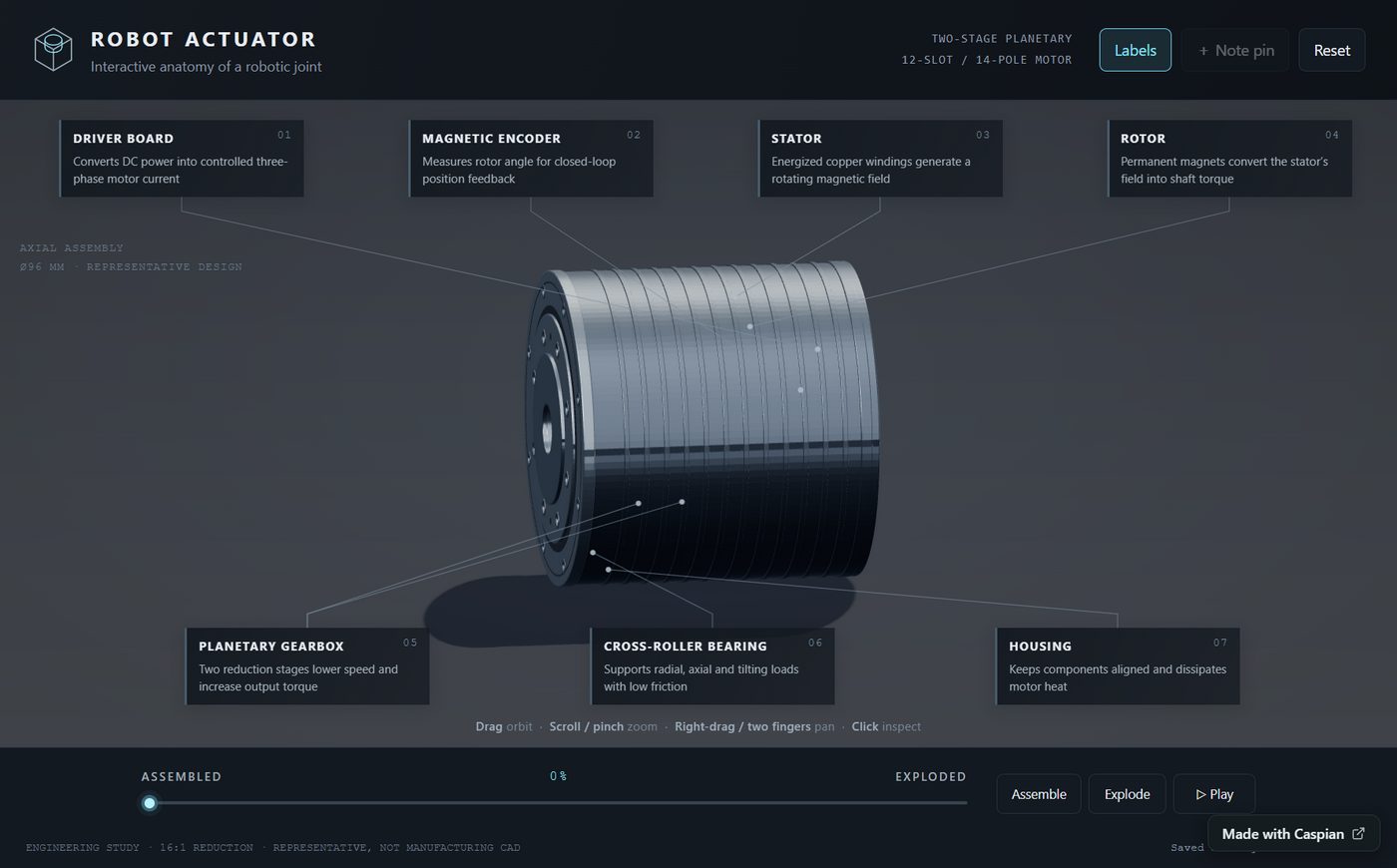 Open Robot Actuator 3D
What an actuator is
An actuator is what makes a robot’s joint move. In an arm or a humanoid, each joint is a sealed cylinder that turns electricity into precise, strong rotation. From the outside they all look alike. The interesting part is inside.
What’s inside
Robot Actuator 3D models a typical one, part by part:
- Housing — the outer shell that holds everything in line.
- Motor stator and rotor — coils and magnets whose magnetic field turns the rotor.
- Planetary gearbox — trades the motor’s speed for the torque a joint needs.
- Bearings — keep the output turning smoothly under load.
- Encoder — measures the rotor’s angle so the controller knows exactly where the joint is.
- Driver board — the electronics that switch the motor’s current.
How to explore it
Drag the slider from Assembled to Exploded and the parts separate along the joint’s axis, so you can see how each one stacks on the next. Turn the labels on to name every part, and use the motion controls to watch it turn. Rotate and zoom the model to look at any part from any angle.
Who it’s for
Students meeting robotics for the first time, teachers who want something better than a flat diagram, and anyone curious about what is actually moving a robot’s arm. It runs in any modern browser, with nothing to install.
Try it
Open robot-actuator-3d.sites.caspian.md. It’s in the Explore gallery under Education.
It was built and published with Caspian — see how.